
Models
Prompt
Ratio & Resolution
Seedream 4.5 AI Image Generator
Use prompts or references to generate cohesive 4K images and make structured edits.
Seedream 4.5 AI Image Generator
Seedream 4.5 focuses on cohesive visuals, precise edits, and consistent subjects across multi-image outputs.
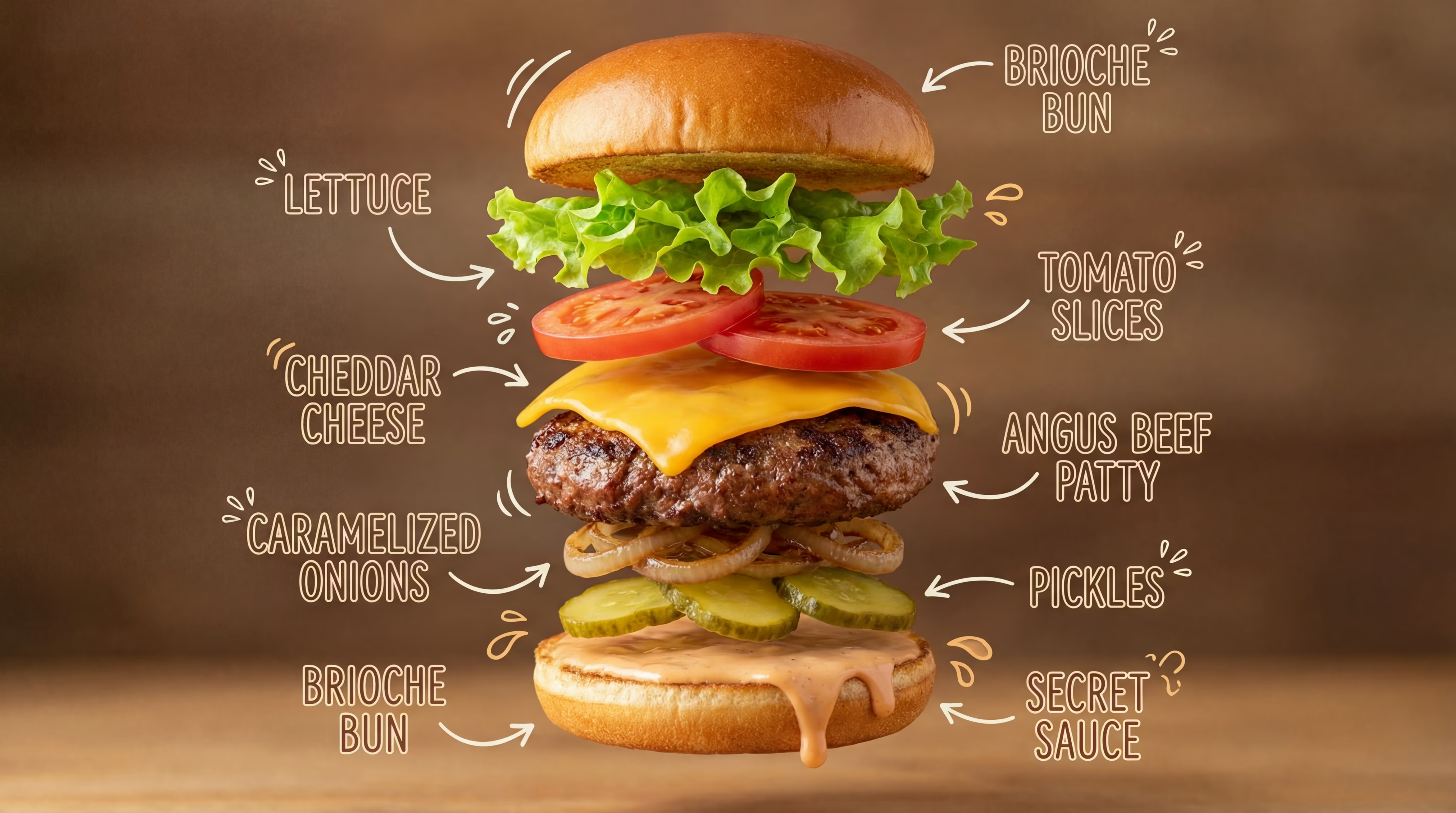
4K Clarity for Real Projects
Seedream 4.5 targets high-detail outputs for ads, product shots and posters. Fine edges and textures stay crisp when exporting at 4K.
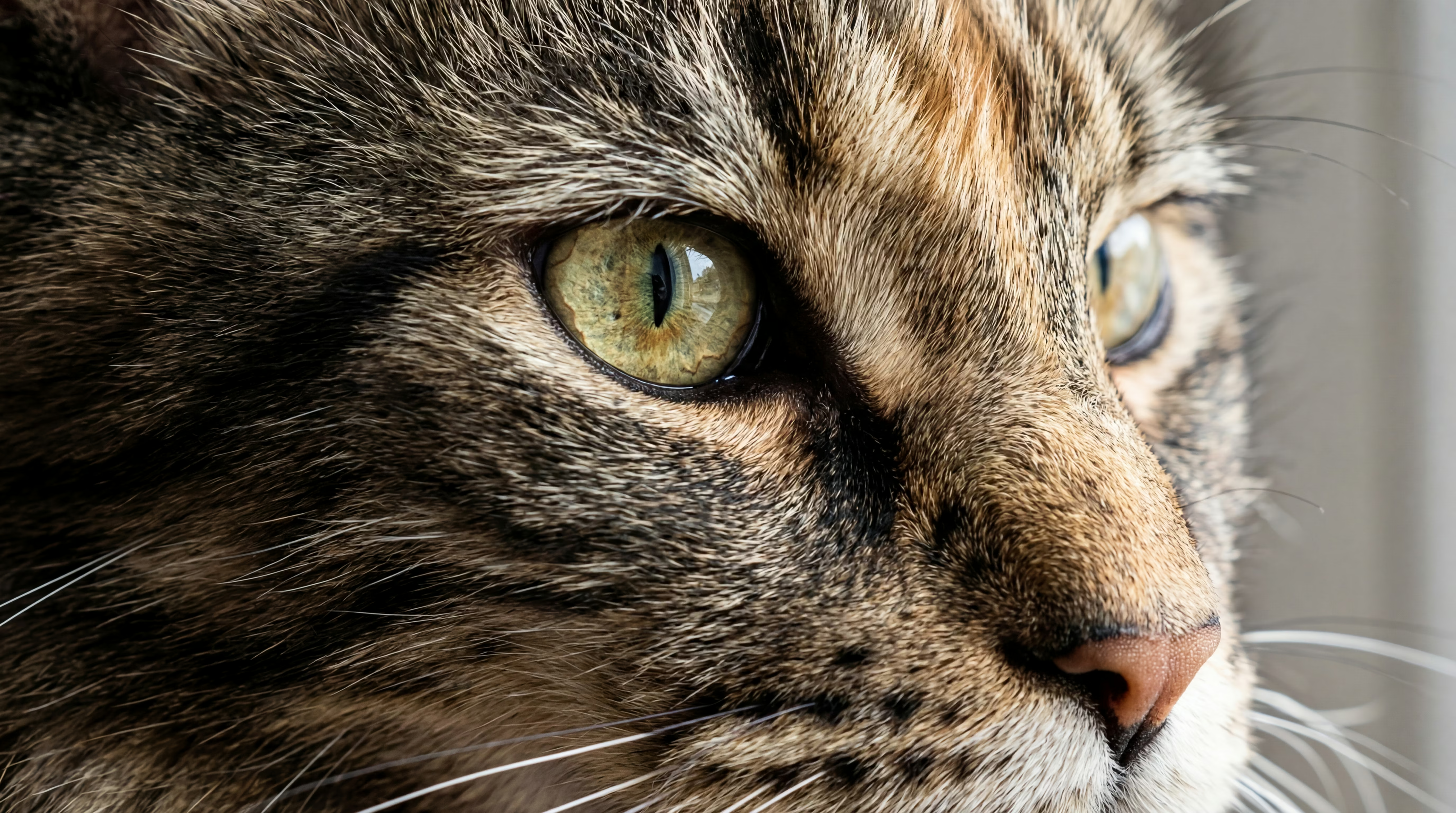
Stable Subjects Across Variations
Generate multiple outputs while keeping the same subject consistent. Useful for series, campaigns and multi-image concepts with a unified look.
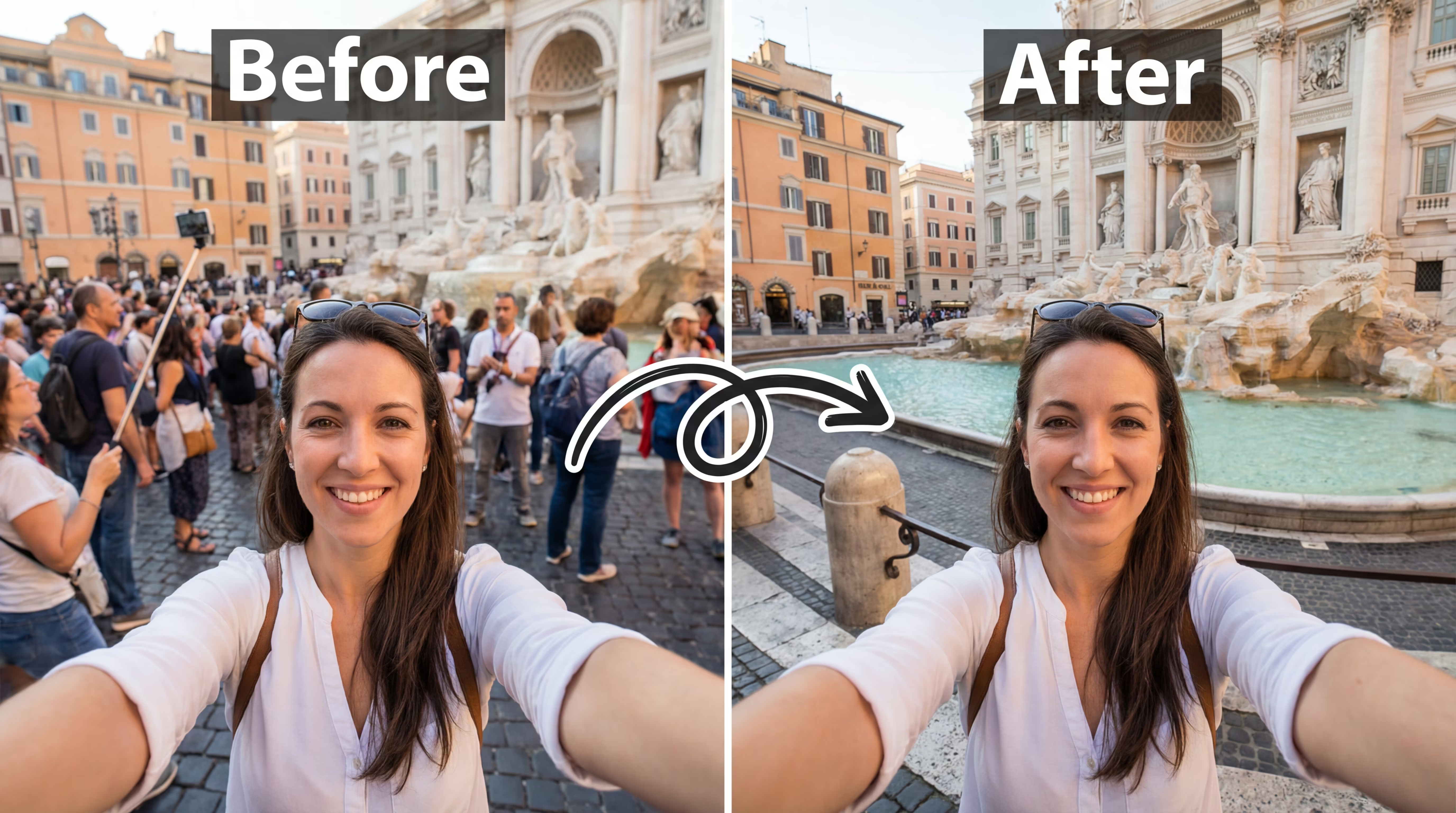
Precise Edits, Clean Structure
Apply targeted changes without collapsing the composition. Seedream 4.5 focuses on coherent lighting and clean structural refinement in edit workflows.
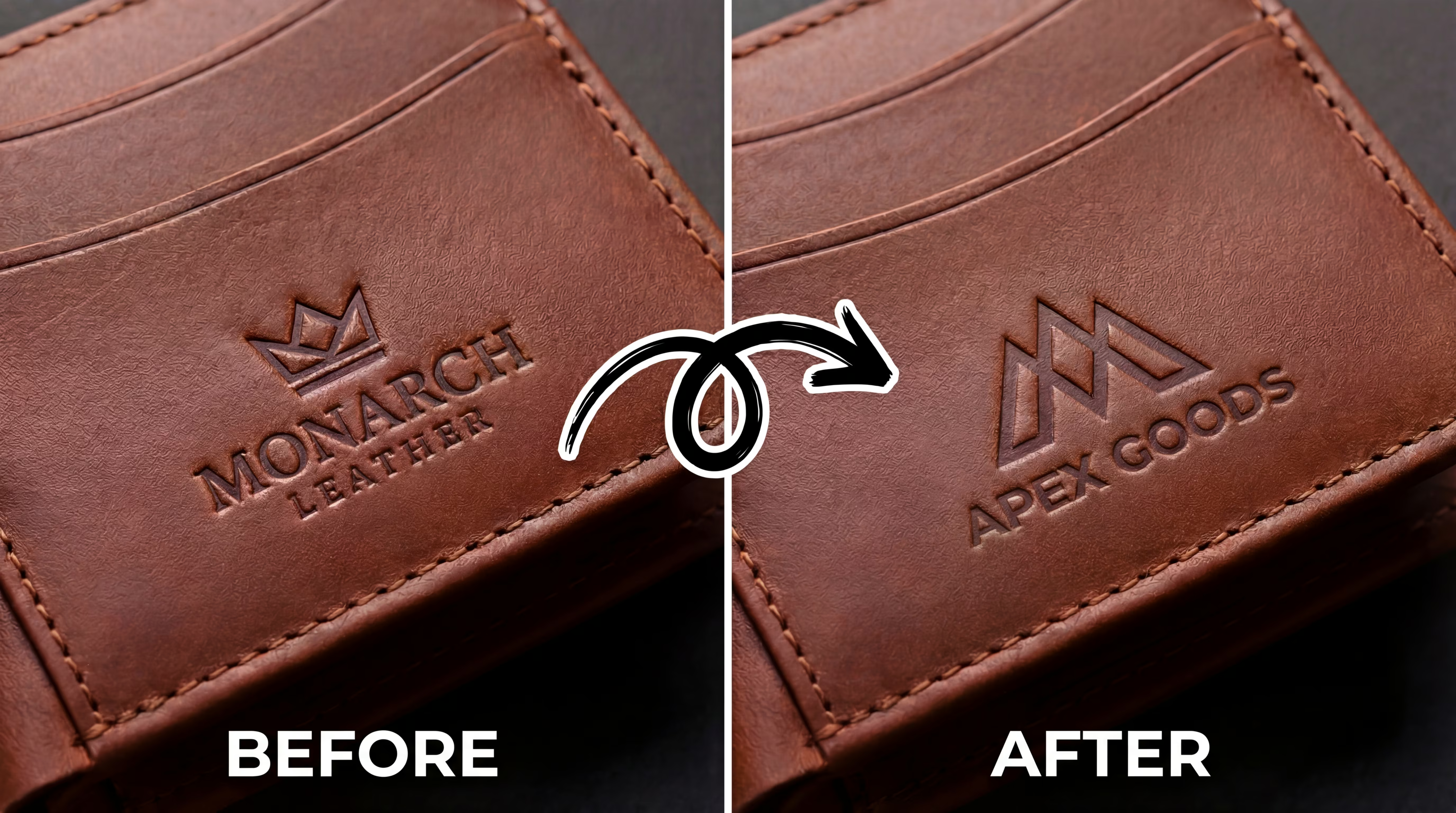
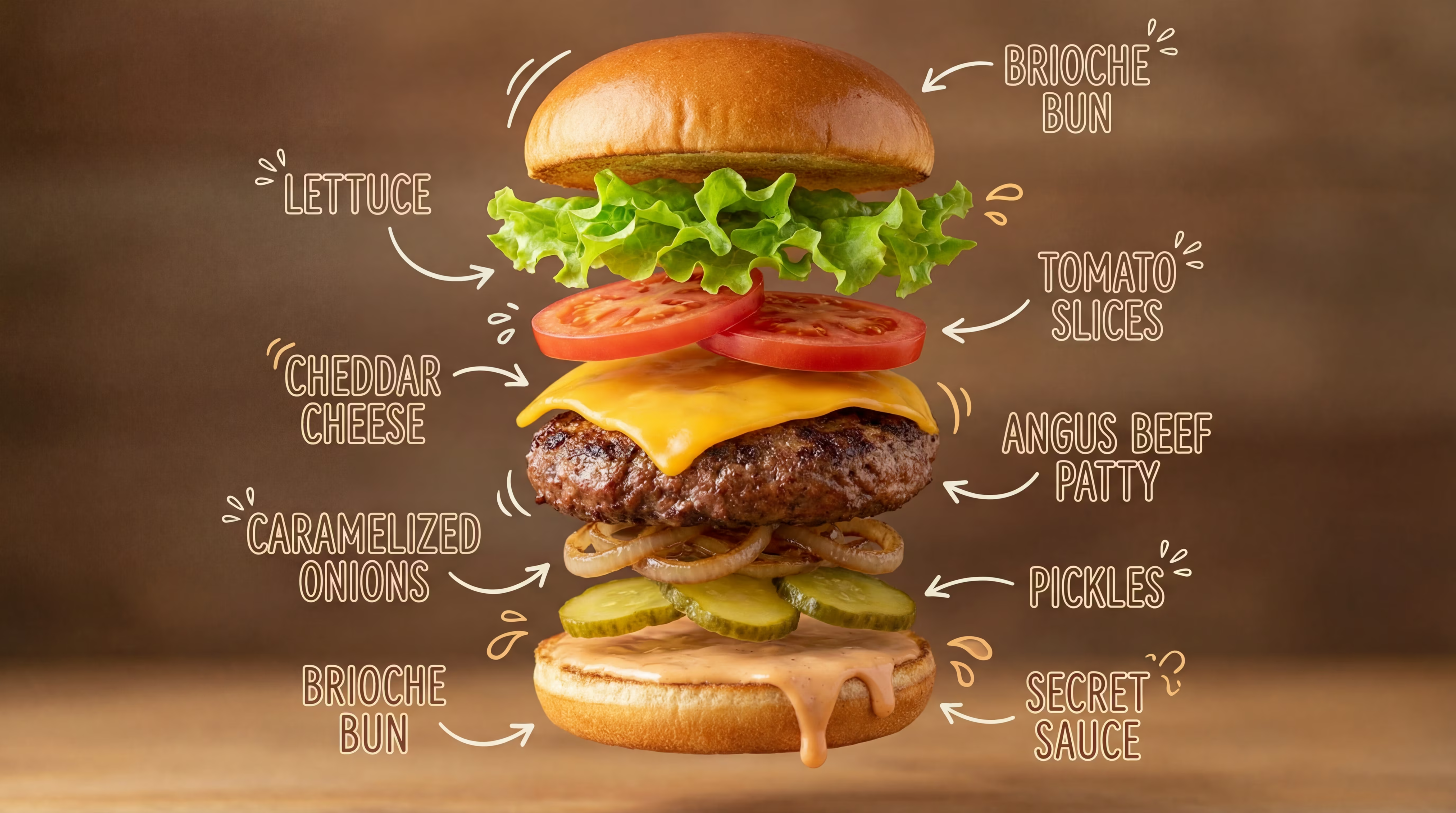
Readable Small Text Rendering
When your prompt requires labels, UI-like elements or short phrases, Seedream 4.5 aims for clearer small-text rendering and fewer broken characters.
Why choose Seedream 4.5
Designed for stable subjects, clean structure, and reliable high-resolution results.
Cohesive 4K Outputs
High-detail rendering designed for 4K export and close inspection.
Consistent Identity
Keeps subjects stable across multiple generations and variations.
Reliable Editing
Supports precise adjustments with coherent structure and lighting.
Clear Prompt Following
Good for structured prompts and multi-part instructions.
Small Text Clarity
Improved legibility for short labels and simple typography.
Multiple Ratios
Supports common aspect ratios for social, ads and ecommerce.
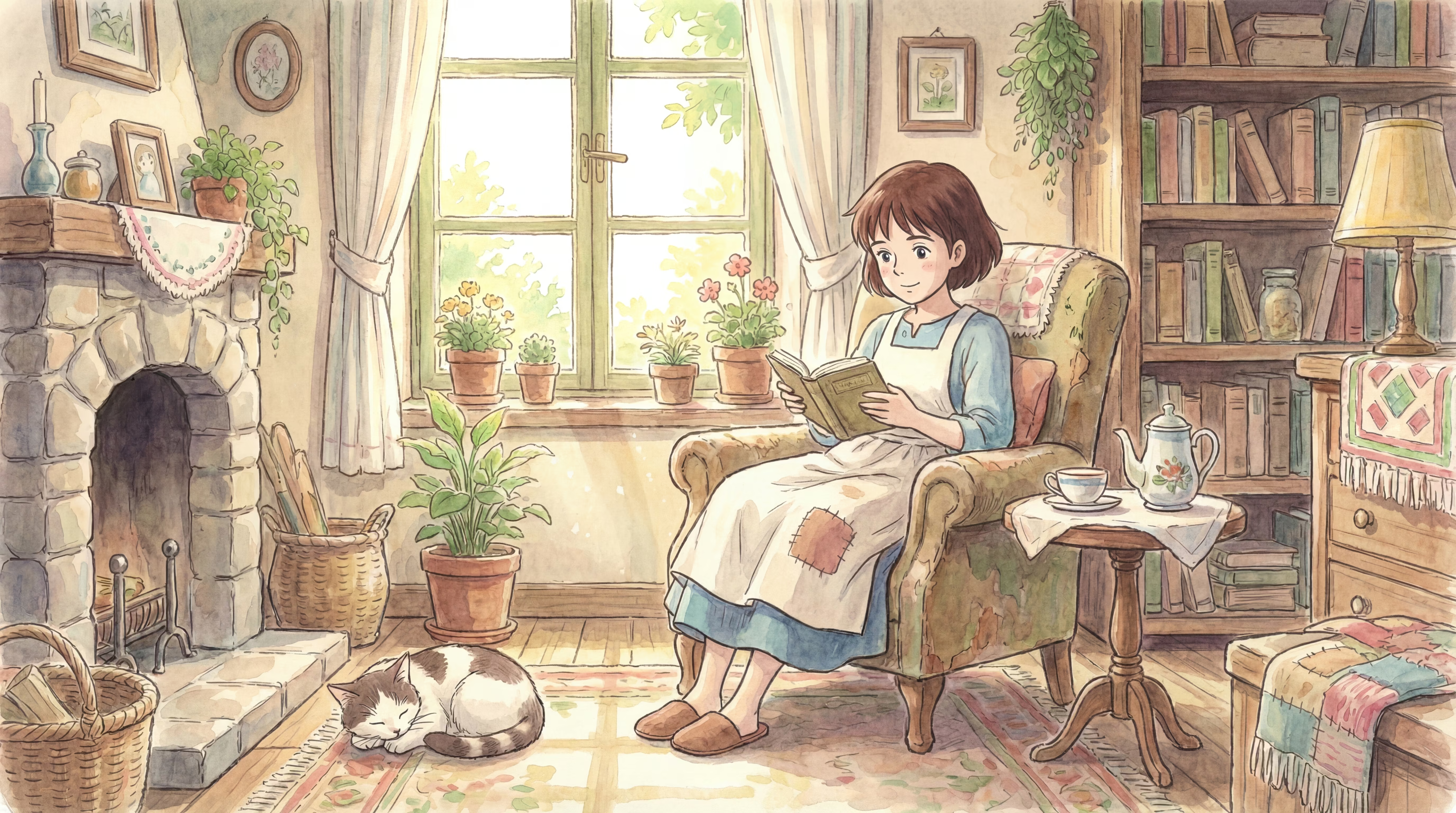
Showcase
Selected examples generated with Seedream 4.5.



How it works
Create or refine images in three simple steps.
Describe or upload
Start with a prompt, or upload references when you need more control.
Pick ratio and quality
Choose an aspect ratio and up to 4K output based on your use case.
Download and iterate
Export your result, then iterate with small edits to refine details.
User Reviews
Feedback from creators and teams using Seedream 4.5 for 4K output and clean edits.
The outputs look cohesive and hold up well at higher resolutions—Seedream 4.5 is great for campaign visuals.
Keeping the subject consistent across variations in Seedream 4.5 makes it easier to build a set of assets that match.
Clean structure when making edits; with Seedream 4.5, iteration feels predictable and stable.
Sharper details and fewer artifacts—Seedream 4.5 helps when you need a polished finish.
Fast to iterate with consistent identity in Seedream 4.5—great for building multi-image sets without drift.
Strong 4K export and clean edges from Seedream 4.5. It saves time when creating polished ads and product visuals.
Frequently Asked Questions
Practical notes for getting the best results with Seedream 4.5.