Models
Prompt
Ratio & Resolution
Text to Image Generator
Use text to image to create visuals with multiple ratios and high quality output.
Text to Image Generator
Generate with text to image using clear prompts. Create realistic, illustration and product visuals with multiple ratios and high quality output.
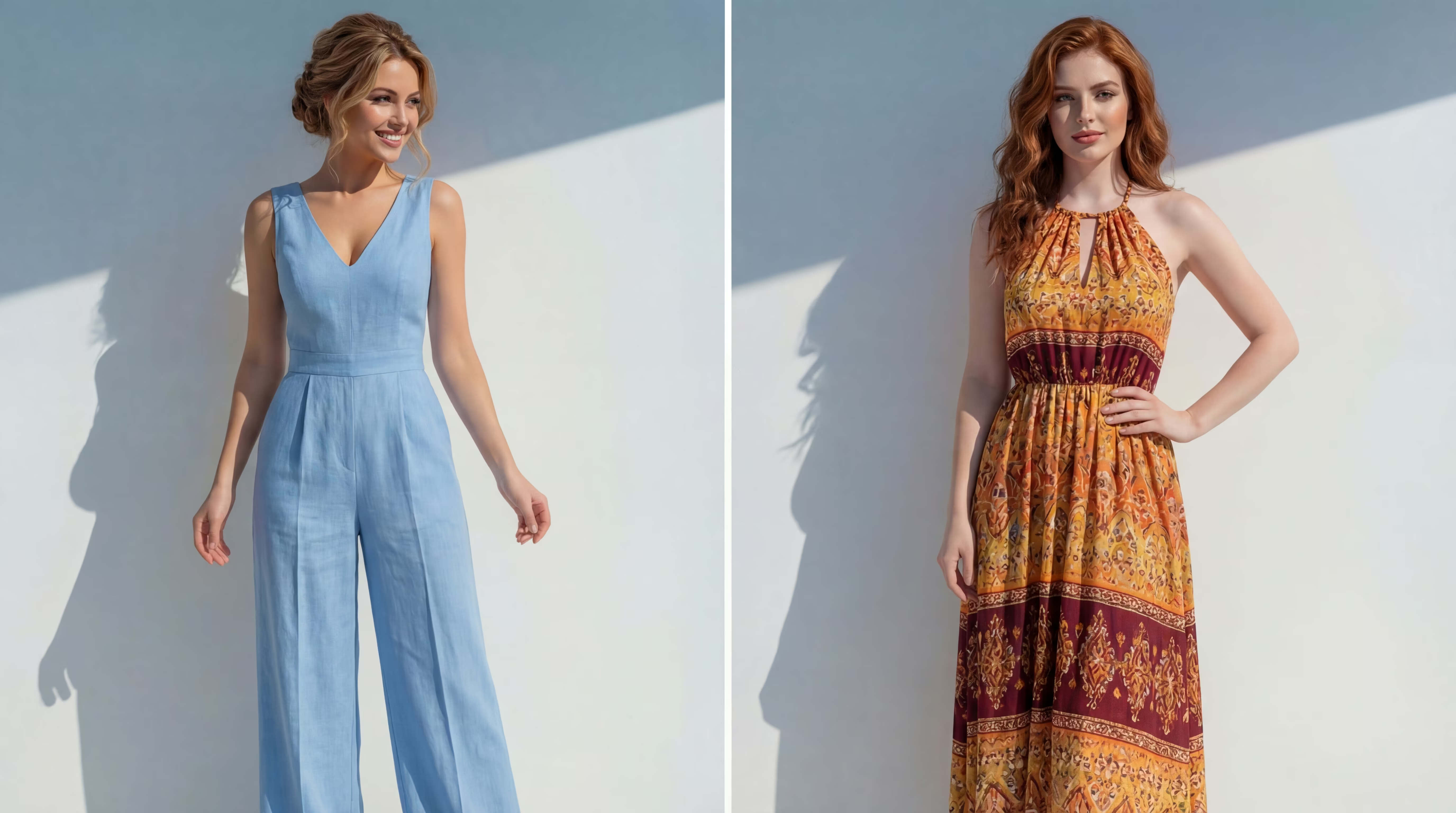
Natural realism
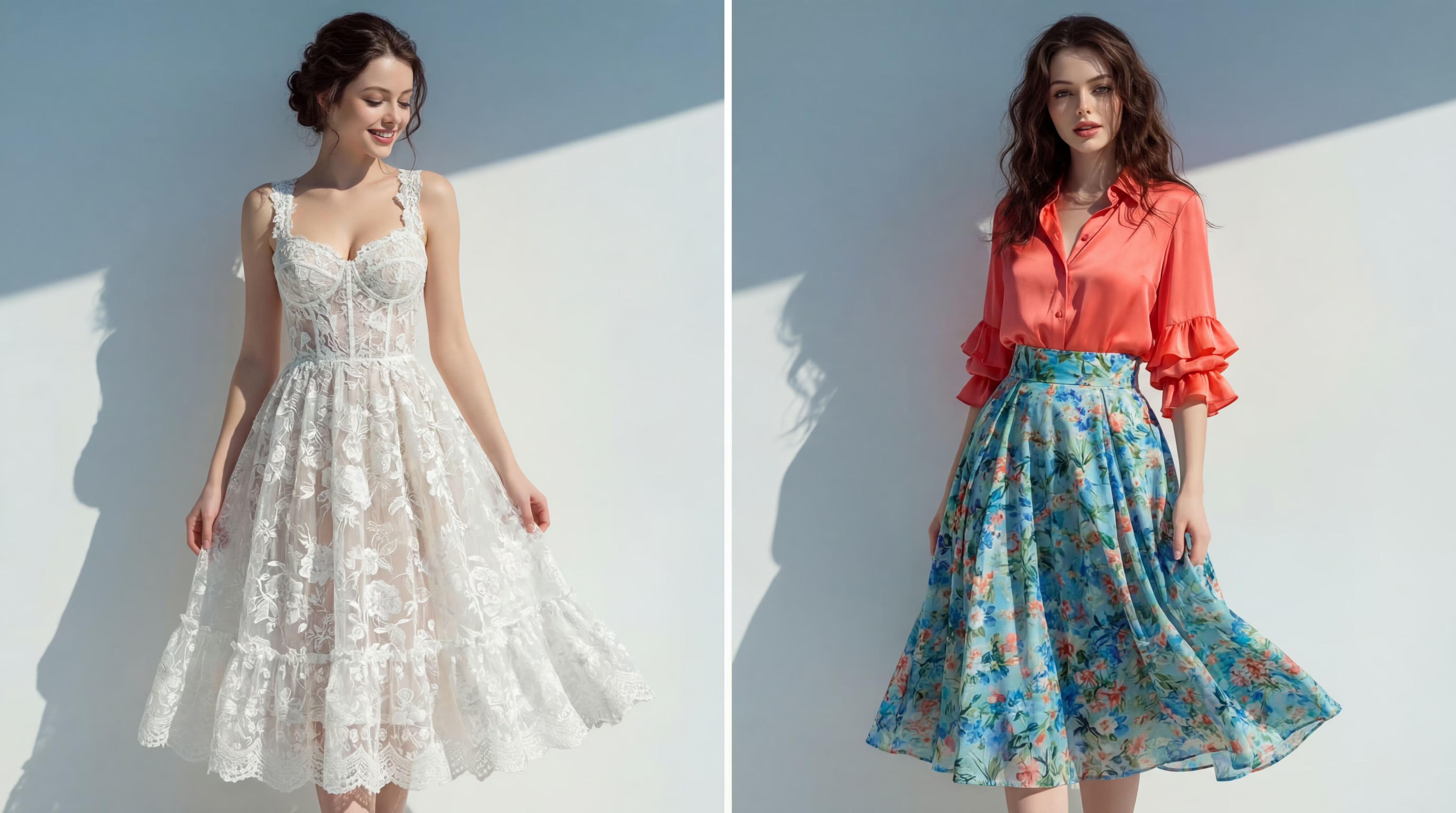
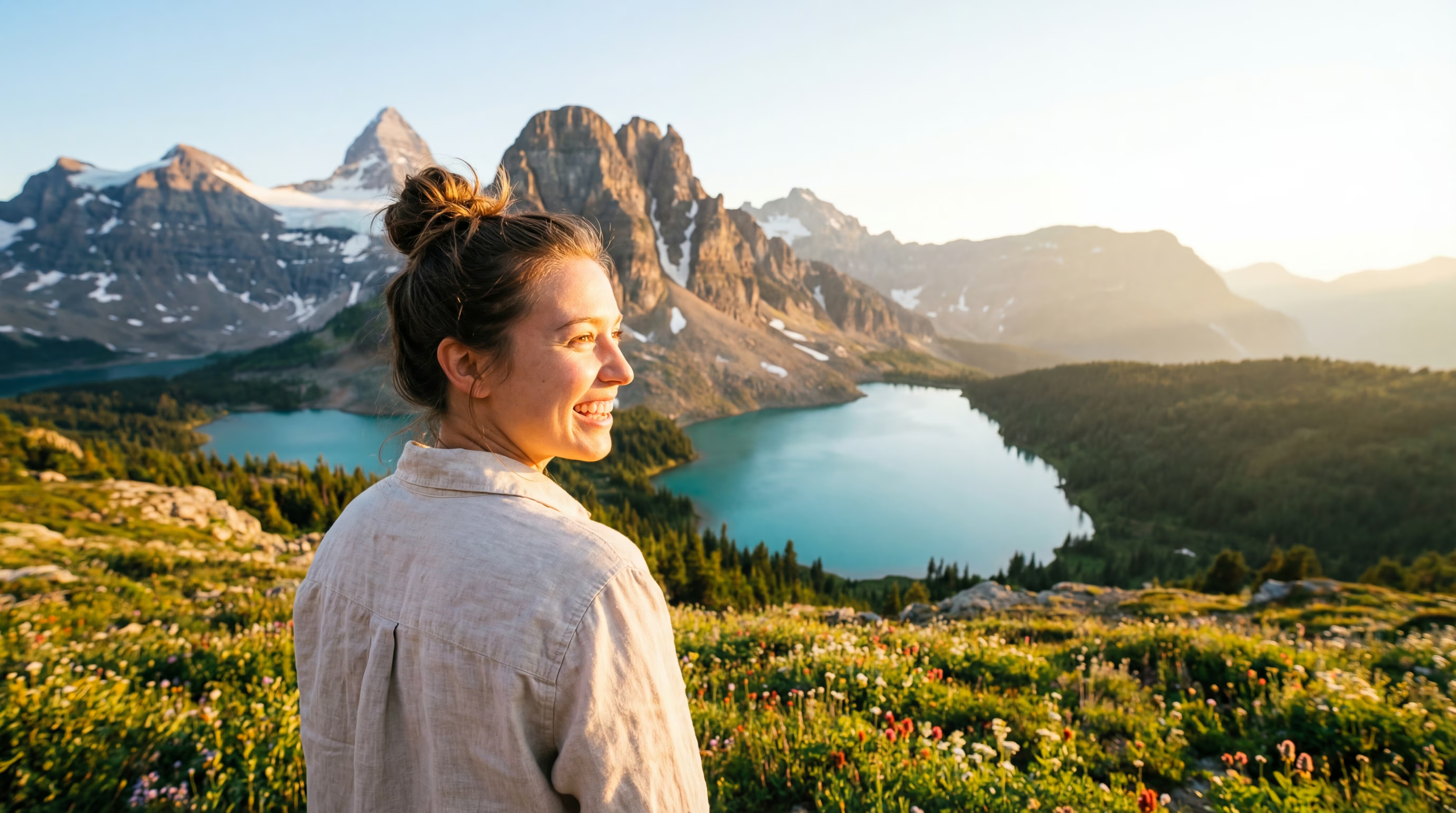
Use text to image prompts to generate high fidelity realistic images with natural lighting and clear details.
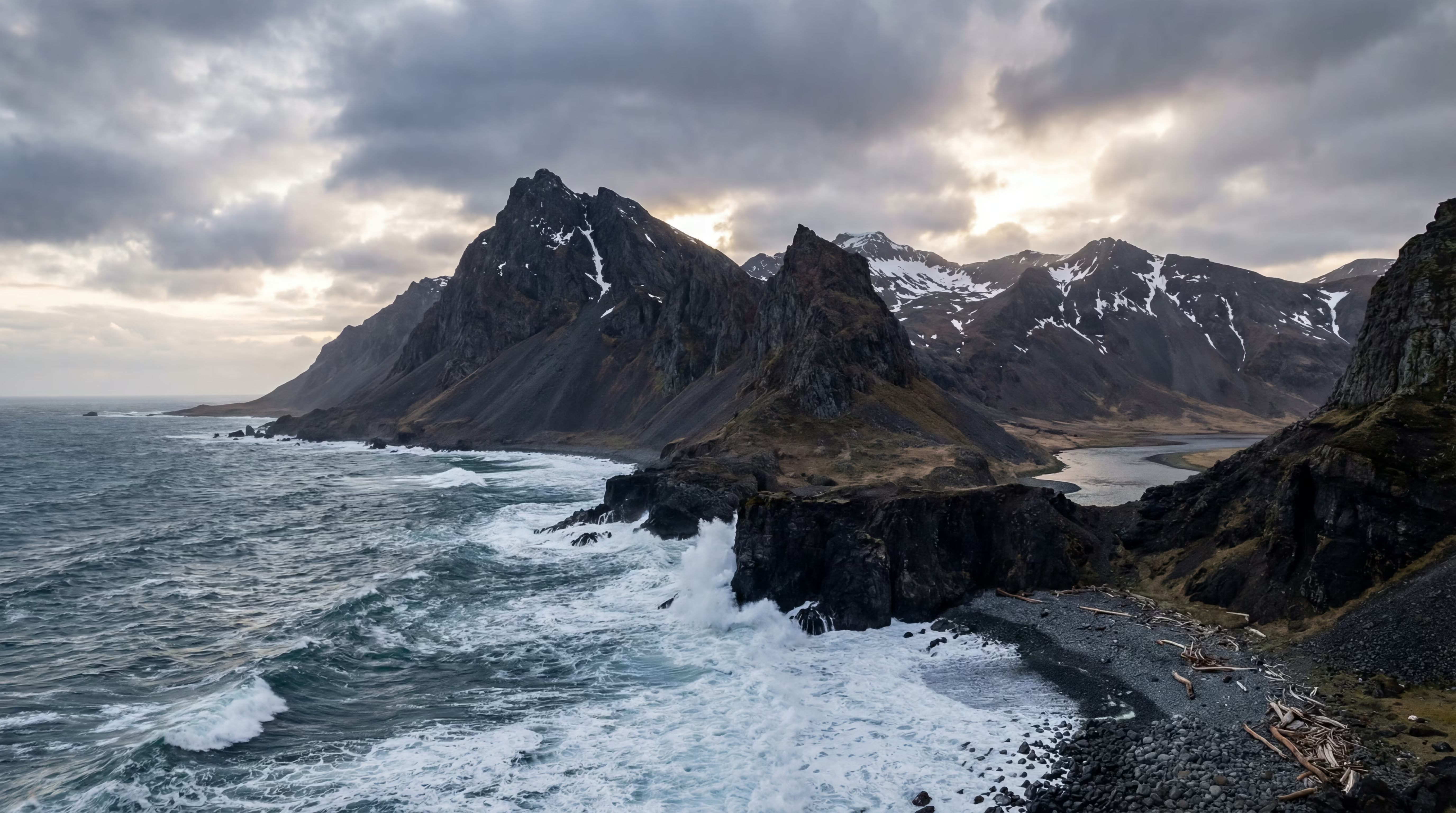
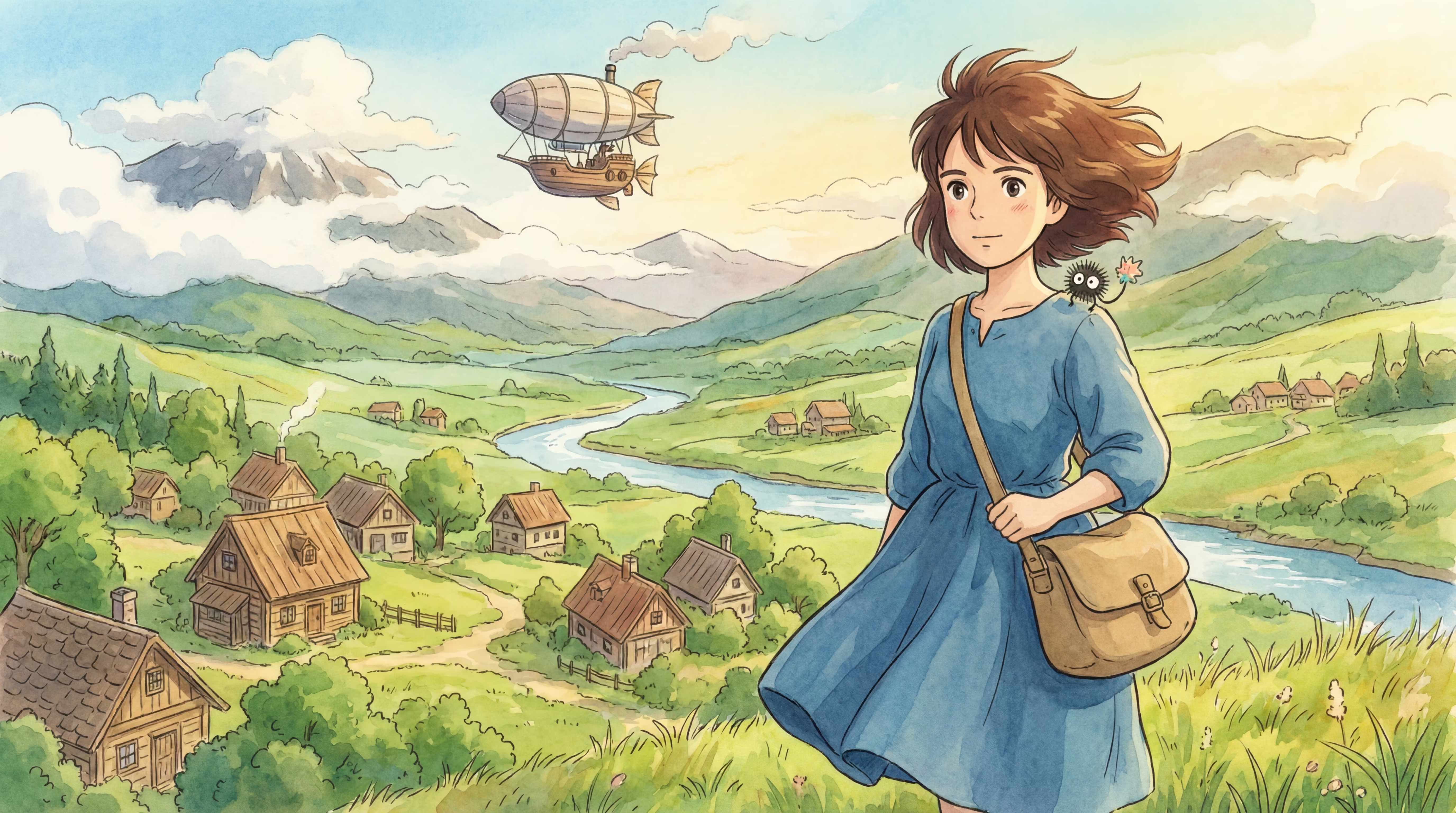
Illustration and anime
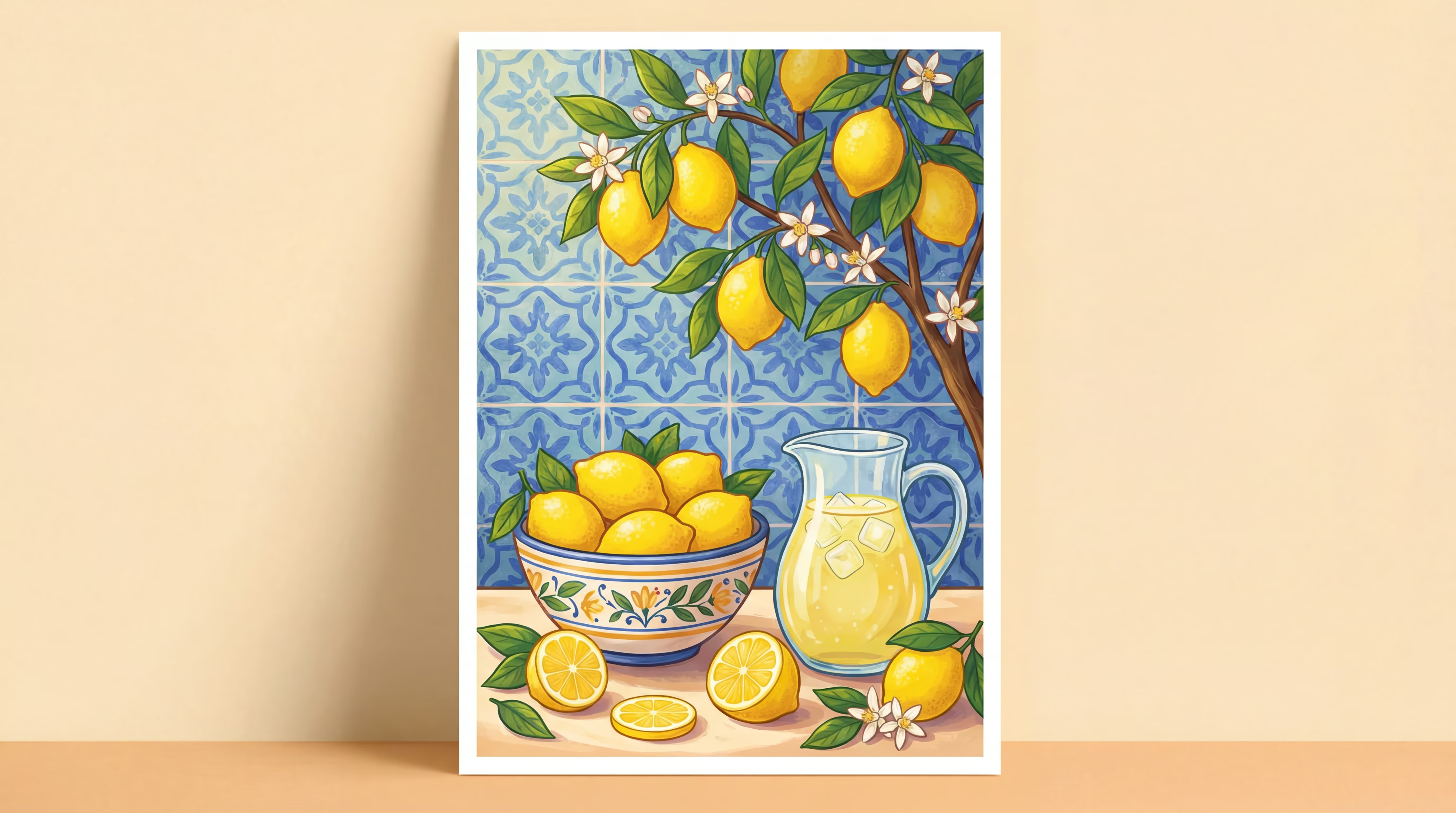
Text to image supports illustration styles like flat, line art, anime, thick paint and watercolor for one click high quality outputs.
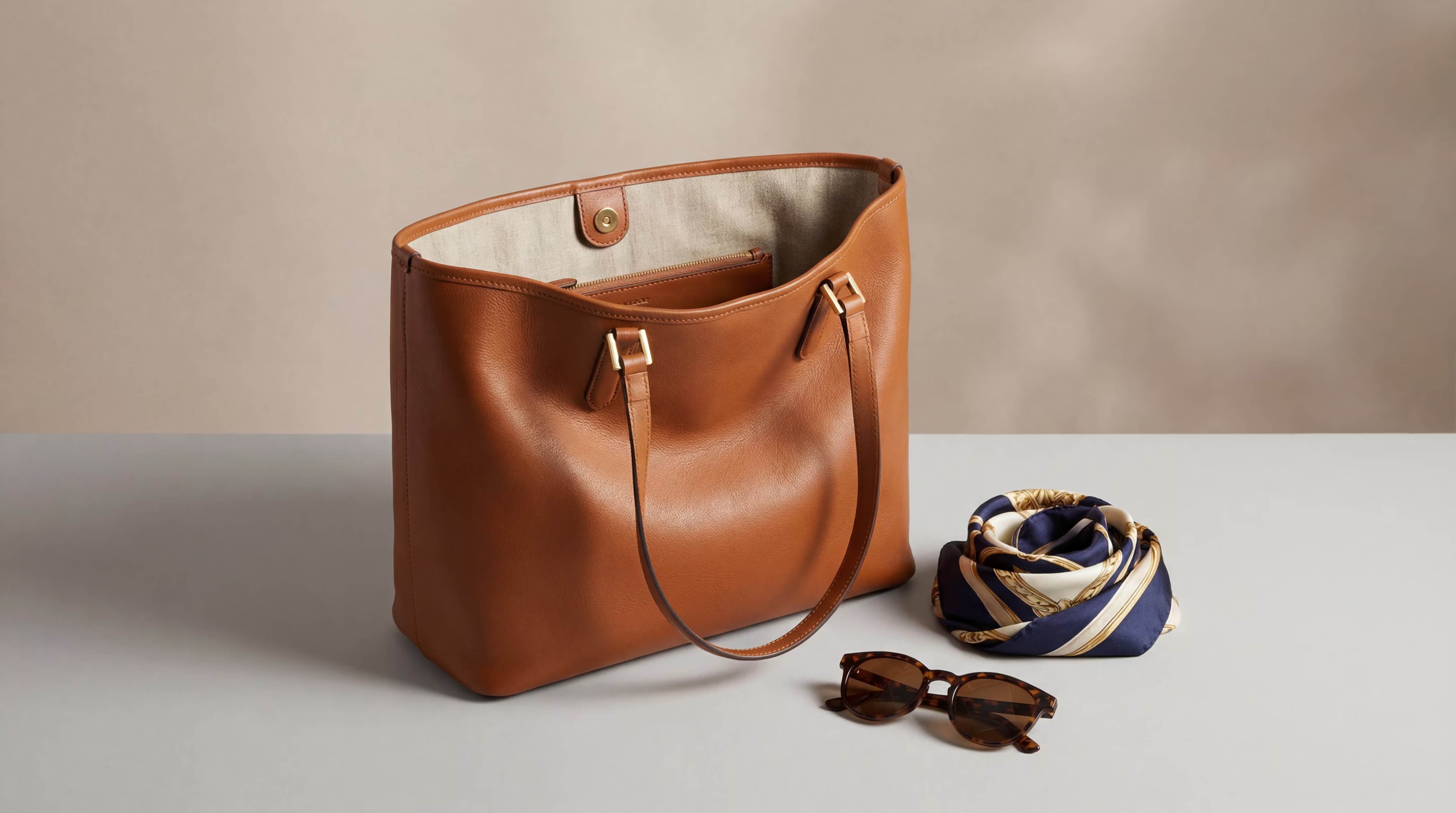
Product and ecommerce
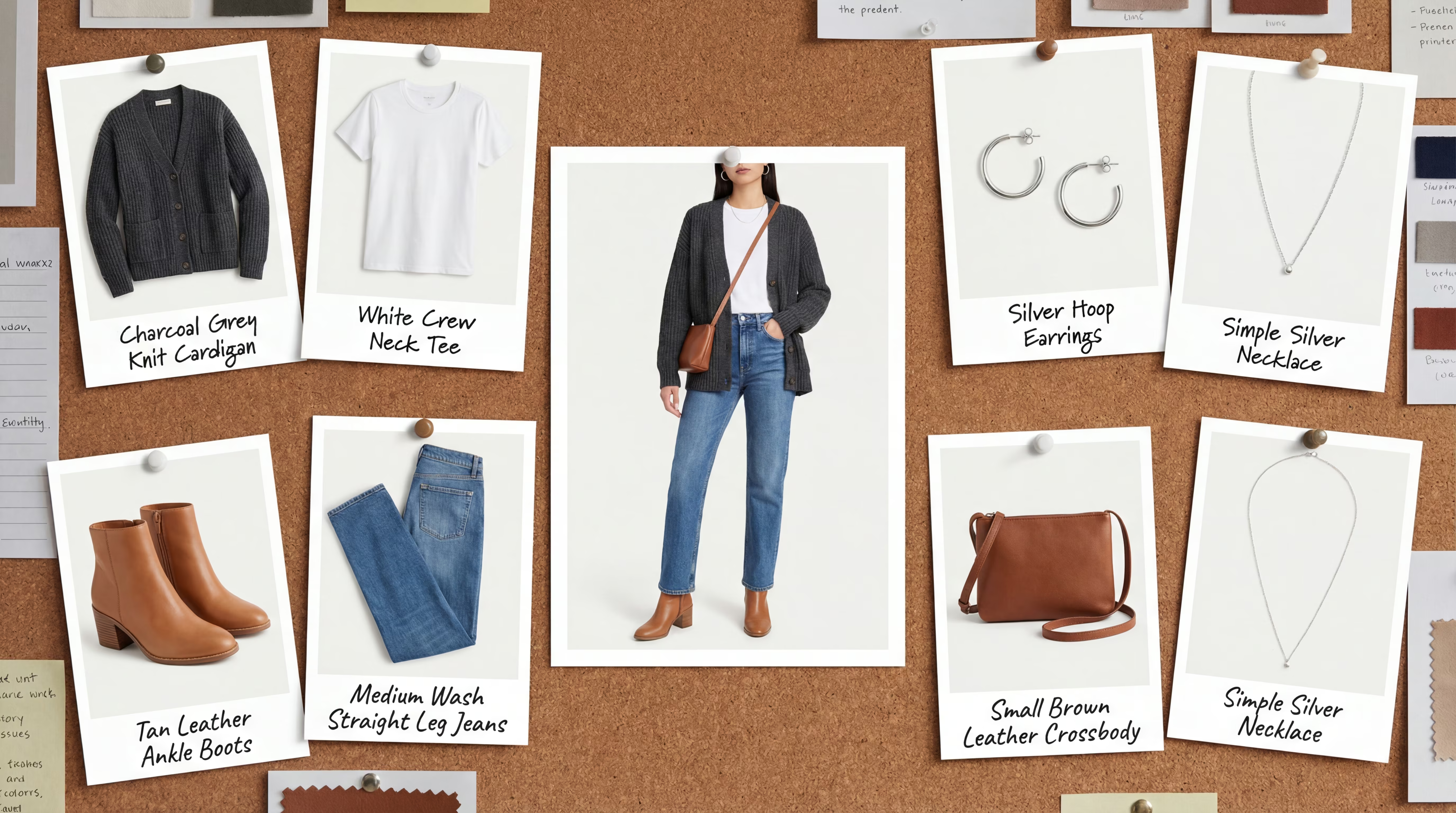
Create product images with clean backgrounds and accurate lighting using text to image, ideal for ecommerce, showcase and ads.
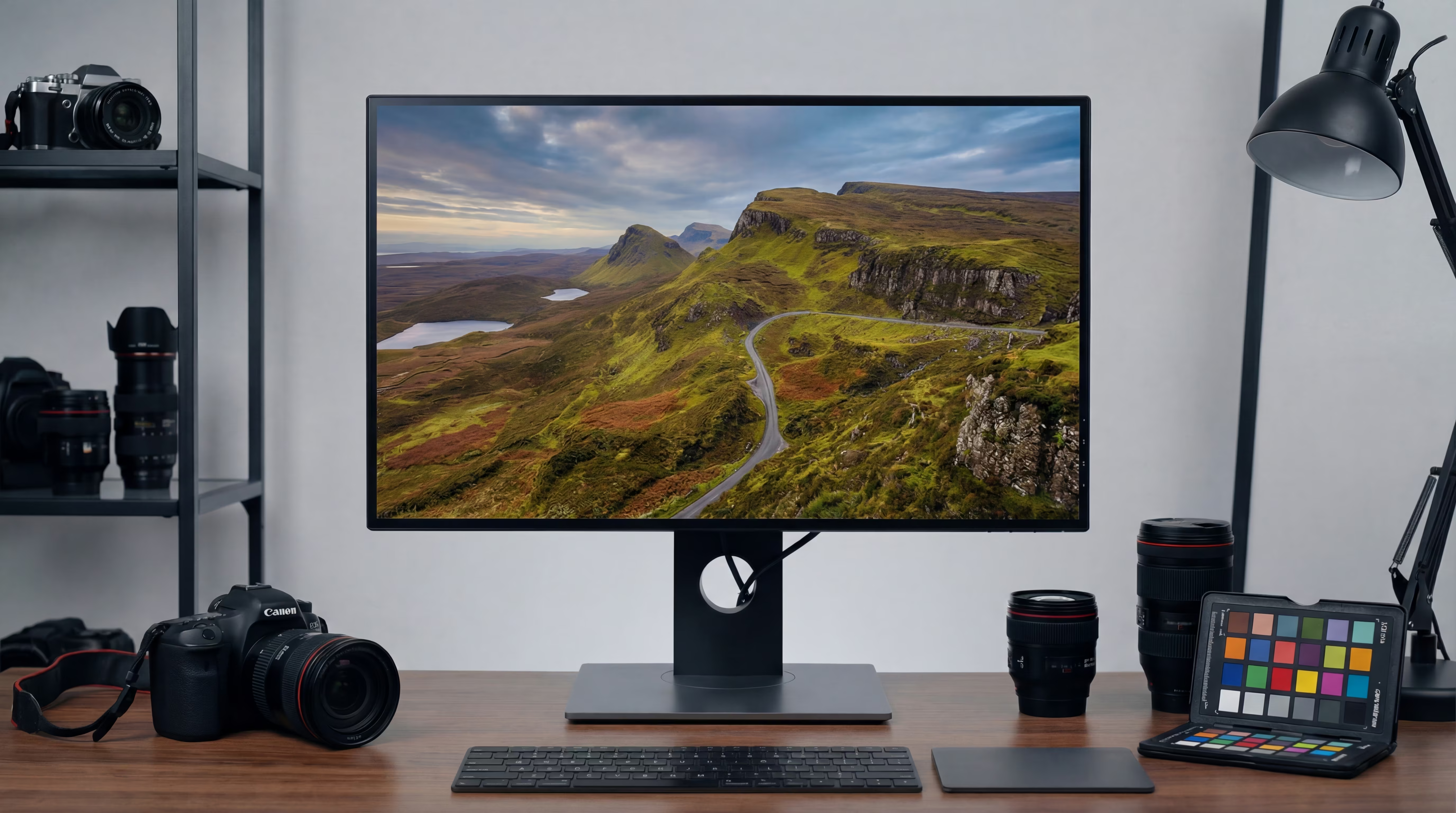
Composition and camera
Control focal length, aperture, depth of field and lighting via text to image prompts for precise composition.
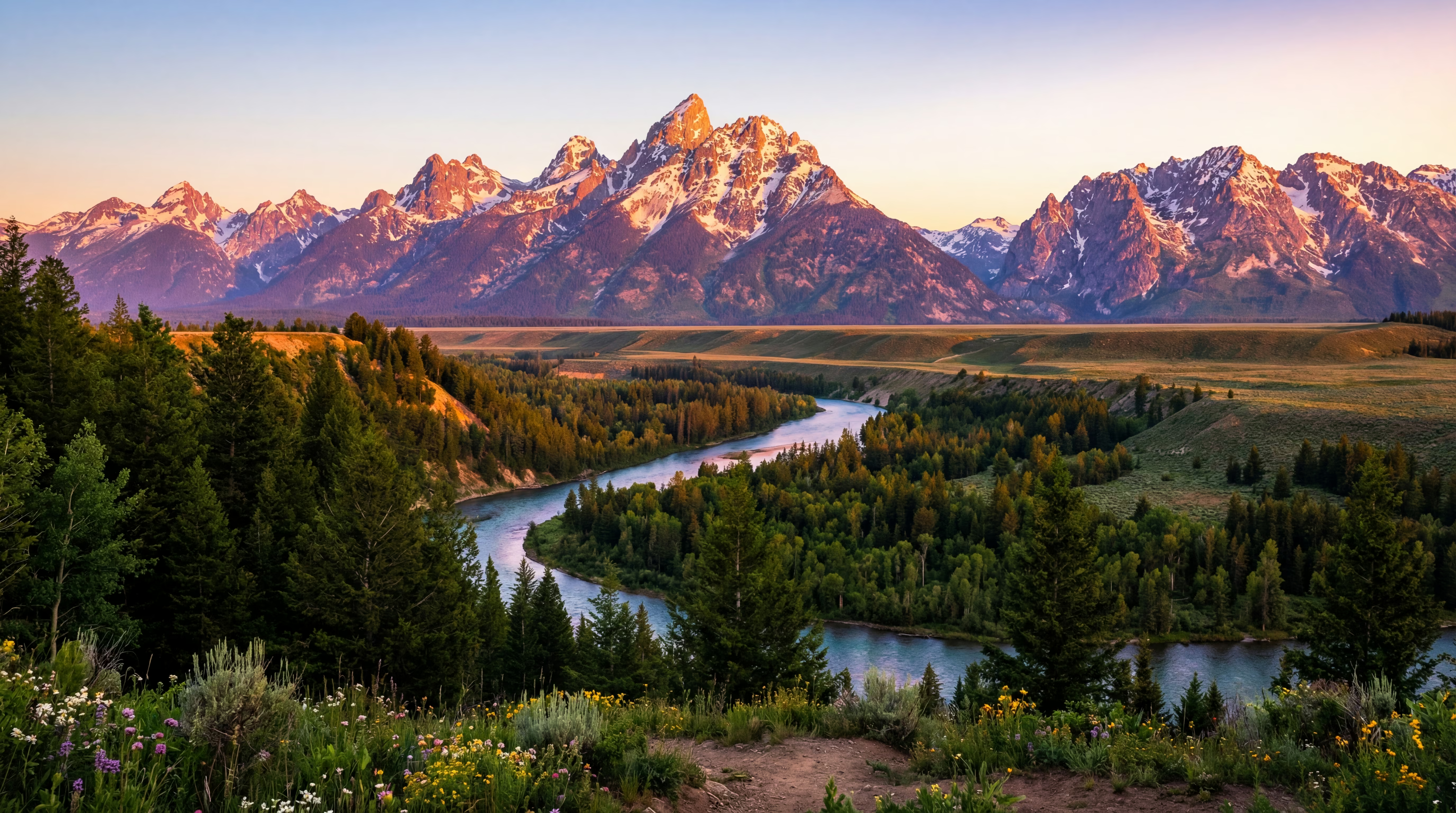
Resolution and ratios
Text to image supports 1:1, 16:9, 9:16 and more with up to 4K output for clear usable details.
Why choose Lemono AI for text to image
Stable text to image results, broad styles and consistent quality across workflows.
4K quality
Up to 4K output with sharp lines and clear details from text to image.
Style variety
From realism to illustration and anime, text to image covers mainstream styles.
Stable generation
Structured prompts and clear subjects make text to image results more stable and reproducible.
Prompt friendly
Prompting is friendly with structured descriptions for text to image control.
Fast generation
Optimized inference and queue deliver text to image results in seconds.
Privacy safe
Used only for generation and history. No public training.
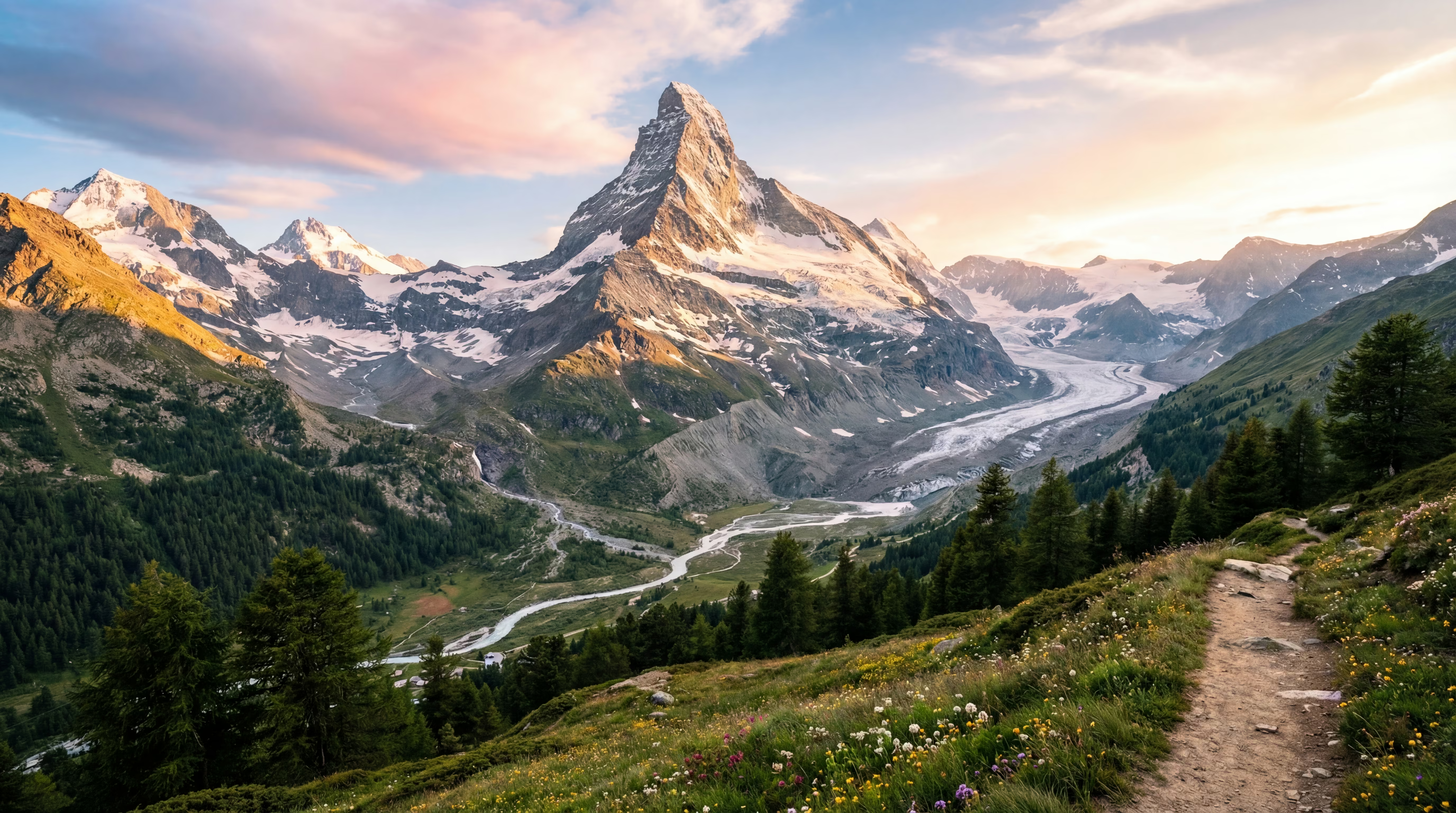
Showcase
Selected text to image examples across realism, illustration and product scenes.
How it works
Create with text to image in three steps.
Write your prompt
Describe subject, style and scene for text to image. Specific prompts work best.
Choose style and ratio
Pick 1:1, 16:9 or 9:16 and set quality parameters for text to image.
Generate and download
Start text to image generation and download high quality outputs or share.
User Reviews
Real feedback from creators and teams using text to image.
Text to image outputs are stable with natural lighting and details. Great for prototypes and creative exploration.
From realism to illustration, text to image is prompt friendly with controllable composition.
High resolution and multiple ratios. Text to image fits ecommerce posters and social assets.
Camera parameters and composition prompts make text to image results closer to expectations.
Easy to start with fast generation. Text to image delivers assets quickly for campaigns.
Text to image integrates smoothly into our product workflow; predictable output and rapid iteration accelerate releases.
Frequently Asked Questions
Practical tips and guidance for text to image.